
Most AI coding tools release updates and write a changelog that nobody actually reads. Cursor tends to be different. Their updates are specific, and the things they fix are usually things developers have been quietly complaining about for months.
Cursor 3.7 dropped on June 5 — and it covers a lot of ground. Visual editing got smarter. The SDK got genuinely more powerful. Enterprise customers finally got real governance controls. None of it is flashy for its own sake, which is probably why it's worth paying attention to.
Here's what actually changed and what it means for the people building with it.
Cursor 3.7 (June 3–5, 2026) ships five meaningful updates:
|
|---|
Visit:- Cursor
Quick Background: What Is Cursor?
Cursor is an AI code editor built by Anysphere (San Francisco, founded 2022). It's not a plugin you add to VS Code. It's a fork of VS Code rebuilt from the ground up with AI agents at the center.
In mid-2026, Cursor is used by over 5 million developers. Engineering teams at NVIDIA, Coinbase, and Shopify run it daily. NVIDIA's Jensen Huang has publicly called it his favorite enterprise AI service. The company crossed $2B in annualized revenue earlier this year.
It runs on macOS, Windows, and Linux. There's a free Hobby tier, a Pro plan at $20/month, Business at $40/user/month, and custom Enterprise pricing.
Source:- pricing plans
What Shipped in Cursor 3.7
1. Design Mode Got Two Useful Upgrades
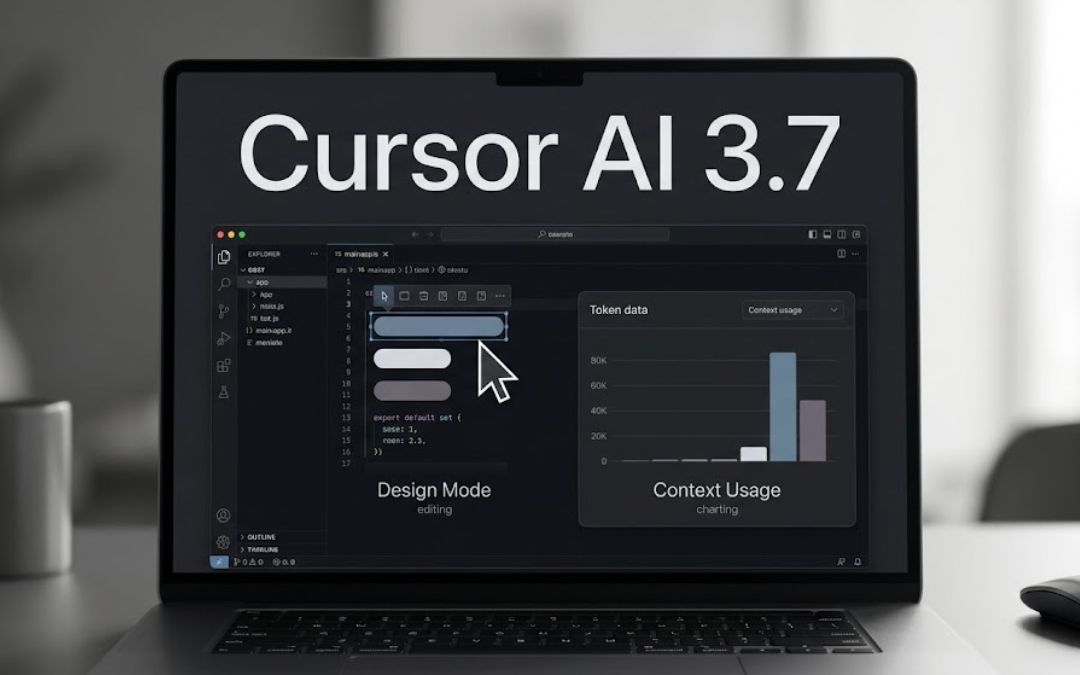
Design Mode is the visual editing layer inside Cursor's built-in browser. The idea is simple: instead of typing out a description like "fix the spacing between the second and third cards on the dashboard," you just click on those elements and tell the agent what you want. It sees the actual code, the layout, and the relationships between things on the page.
Cursor 3 introduced Design Mode in April. 3.7 adds two things that make it noticeably faster to use.
Multi-select. You can now click on two or more elements at the same time. Cursor captures all of them — their code, their positions, how they relate to each other — and the agent can compare, align, or batch-edit them together. If you've ever spent five minutes trying to explain which specific element you meant, this is the fix.
Voice input that stays on. The microphone now stays active while an agent is running. You can queue your next instruction by voice before the current task finishes. You don't have to wait. It's a small change, but when you're doing a lot of UI iteration it saves real time.
2. Canvas Got Smarter Too
Canvas is where Cursor agents put their work when text alone isn't enough — think live dashboards, interactive reports, and internal tools built right inside the Agents Window. Agents can generate actual React interfaces there.
But two things improved in 3.7.
Design Mode inside canvases. This is the natural extension of what Design Mode does in the browser. If your agent builds a dashboard and you want to change something, you can now point at it rather than describe it. Same idea, extended to agent-generated artifacts.
Context Usage Report. This one is less obvious but practically useful. Cursor can now generate an interactive breakdown of where your tokens are going — system prompt, tool definitions, rules, skills — as a live canvas. It's not a static readout. You can ask the agent follow-up questions about it, and there's a "Debug with Agent" button that opens a focused session for reducing context overhead.
Smaller canvas updates: shared canvases now open full-screen in the browser, agents can embed buttons in canvases that trigger specific actions, and chart customization improved.
3. The SDK Update Is the Biggest News for Developers
This one matters most if you're building on top of Cursor rather than just inside it. The Cursor SDK (TypeScript and Python) lets you run Cursor agents programmatically — in scripts, CI pipelines, automation tools, whatever you're building. The June 4 release is the most significant SDK update since launch.
Custom tools, no MCP server required. Before this update, if you wanted to expose a custom function to a local agent, you had to set up your own MCP server and wire it in manually. Now you just pass your function through local.customTools when you create or call the agent. The SDK handles the rest. Custom tools are automatically passed down to any subagents too, so you define it once and it's available everywhere.
Nested subagents. Subagents can now spawn their own subagents, as many levels deep as you need. A reviewer agent can delegate to a test-writer, which can delegate to a documentation agent — each with its own instructions and model choice. Nothing to configure. It works out of the box.
For anyone who's been building multi-agent workflows manually (whether in LangGraph or anything else), this is Cursor's SDK catching up to those patterns natively.
Auto-review in headless runs. When a script runs the SDK locally, there's normally no human in the loop — the agent just does things. Setting local.autoReview changes that. It runs tool calls through Cursor's classifier, which decides what to allow automatically, what to sandbox, and what to pause for your approval. You control it with plain-language instructions in a permissions.json file. You can say things like "read-only operations are fine, pause before any deletes." It's a clean way to get automation without removing all oversight.
JSONL stores. Agent state can now be saved to a plain JSONL file instead of SQLite. That means you can read it, diff it, and commit it to version control alongside your code. You can also implement a custom store if you want agent state in Postgres or just in memory for ephemeral CI runs.
To get this release: npm install @cursor/sdk or pip install cursor-sdk.
Source:- npmjs
4. Enterprise Organizations Is Now GA
This one is for engineering leaders managing Cursor across large teams.
Cursor Enterprise now has a proper three-layer structure: Organizations → Teams → Groups.
An Organization is the top-level view — one place to see spend, token usage, and headcount across everything. Teams are the working units (departments, regions, subsidiaries), each with its own security settings, spend limits, and model access. Groups are lighter — cohorts within or across teams with their own permissions, without needing a separate team to be created.
If a user belongs to multiple teams or groups, the most permissive setting wins.
Additional things now GA: organization-level identity provider management, per-team usage analytics, admin tools to move users around via dashboard, API, or CSV import, and automatic settings inheritance for new users.
For example if a company has been running Cursor informally — everyone on their own accounts, no central visibility — this release gives you the infrastructure to change that.
5. Auto-Review Run Mode (From 3.6, Still Worth Knowing)
This shipped with Cursor 3.6 on May 29, but it connects closely to the SDK auto-review above so it's worth covering here.
Auto-review run mode lets the agent work through longer tasks with fewer interruptions. It applies to Shell, MCP, and Fetch tool calls. Calls that are explicitly allowed run immediately. Calls that can be sandboxed go to the sandbox. Anything else goes to a classifier that decides whether to proceed, try a different approach, or ask you for decision.
You set this in Settings → Cursor Settings → Agents → Run Mode. You can give the classifier custom instructions in plain language. It's useful for tasks where you want the agent to run mostly unattended but still want a human checkpoint on riskier operations.
Cursor AI Pricing in 2026
Plan | Monthly Cost | Who It's For |
|---|---|---|
Hobby | Free | Casual use, exploring |
Pro | $20/user | Developers, solo founders |
Business | $40/user | Teams, agencies |
Enterprise | Custom | Orgs needing governance |
One thing worth knowing: in August 2025, Cursor switched from a fixed response quota to a credit system, which surprised some users with unexpected charges. The CEO apologized and the model was adjusted. Today, Auto mode is unlimited — credits only apply if you're specifically requesting certain models. Worth checking your usage dashboard if you're on Pro and using it heavily.
Source:- pricing plans
Quick Reference: All 3.7 Changes at a Glance
Feature | What Changed |
|---|---|
Design Mode | Multi-element select + persistent voice input |
Canvas | Design Mode in canvases, context usage report |
SDK | Custom tools, nested subagents, auto-review, JSONL stores |
Enterprise | Organizations GA — three-layer governance |
Auto-review (3.6) | Classifier-based run mode, fewer interruptions |
AIWerse Verdict
Cursor 3.7 is a good update — focused, specific, and clearly responding to real developer feedback. Design Mode improvements fix the most annoying part of AI-assisted UI editing. The SDK advances are meaningful for anyone in the agentic AI space. Enterprise Organizations finally makes large-scale deployments practical.
If you're a developer evaluating AI coding tools in 2026, Cursor is still the strongest starting point. If you're already using it, 3.7 is worth updating your workflow for.
FAQs
What is Cursor 3.7? Cursor 3.7 is the latest update to the Cursor AI code editor, released June 3–5, 2026. It includes improvements to Design Mode, Canvas, the Cursor SDK, and Enterprise governance controls.
What's new in Design Mode in Cursor 3.7? You can now select multiple UI elements at once in the browser, and the voice input microphone stays active while the agent is working — so you can queue the next instruction without waiting for the current one to finish.
What is Cursor Canvas? Canvas is Cursor's output layer for agents. Instead of returning plain text, agents can build interactive artifacts — dashboards, reports, internal tools — directly inside the Agents Window. These can be shared with your team and now support Design Mode for visual editing.
What are Cursor SDK nested subagents? Nested subagents let a Cursor agent spawn other agents, which can spawn their own agents, to any depth. A reviewer agent can delegate to a test-writer, which can delegate to a docs agent — each with its own prompt and model. It works automatically with no additional configuration.
Do I need to set up an MCP server to use custom tools in the Cursor SDK? No. The June 4 update removes that requirement. You can now pass custom function definitions directly through local.customTools when creating or calling an agent. The SDK handles the server-side setup internally.
What is Cursor Enterprise Organizations? It's the new governance layer for Cursor Enterprise, now generally available. It supports three levels — Organizations, Teams, and Groups — each with their own security settings, spend limits, model access, and user management. It's designed for companies deploying Cursor across multiple departments.
Is Cursor worth $20/month in 2026? For developers writing production code regularly, yes — most find it pays for itself in hours saved within the first week. For occasional or casual coders, the free Hobby tier may be enough to start. The key thing to watch is model credit usage if you're on Pro and running heavy agent tasks.
Related News & Updates:-
Junaid Nawaz is the founder of AIwerse and a developer focused on AI tools, agentic workflows, and builder-focused tech. He covers AI model releases, coding tools, and platform updates for developers and teams building with AI. You can follow AIwerse on X (@AIwerse).